The llms.txt and discussion around it recently is quite controversial.
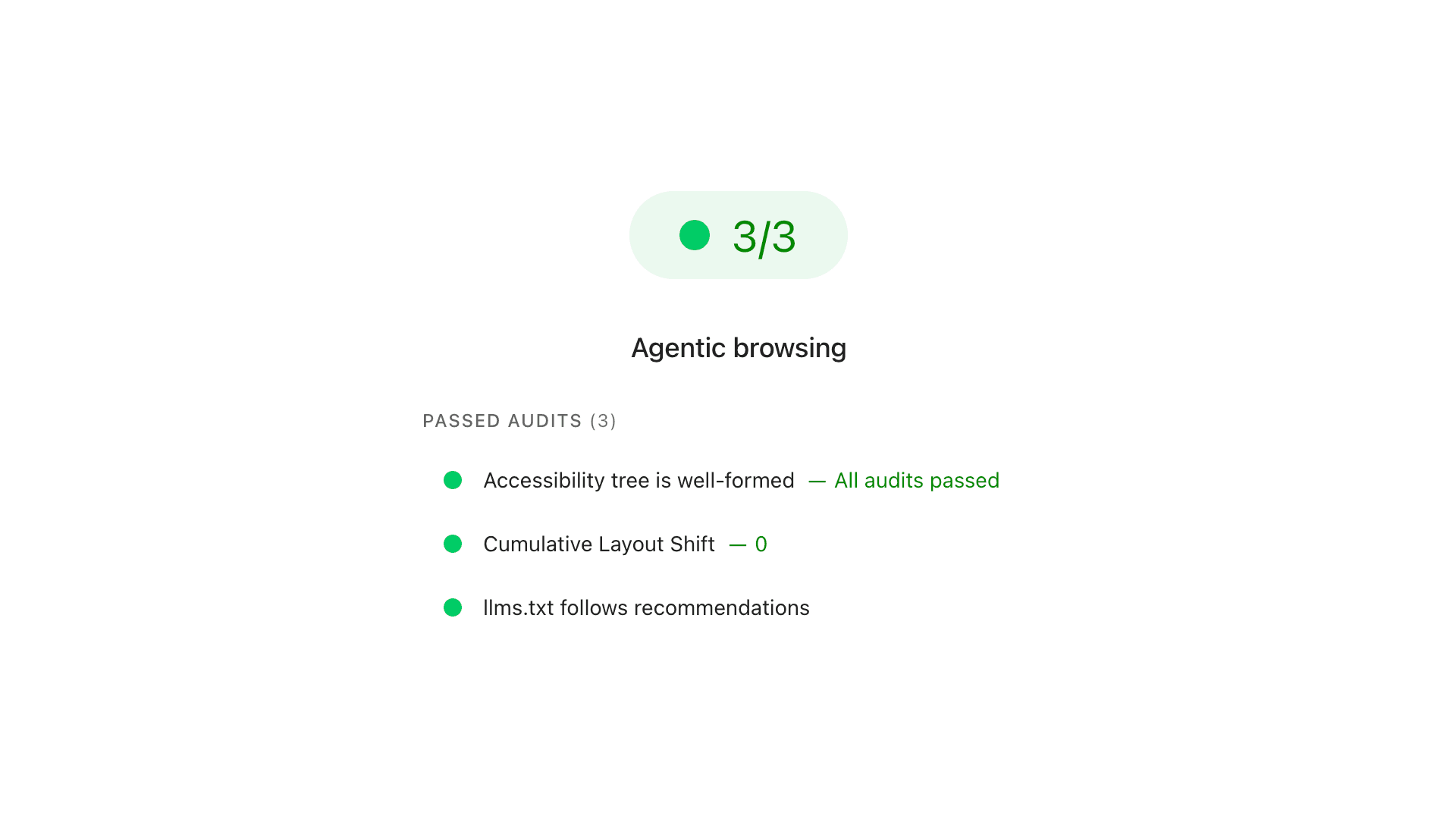
On one hand, Google’s Search Relations team (led by John Mueller and Gary Illyes) has explicitly stated that llms.txt files will not help your SEO or search rankings. On the other hand, Google’s developer tools team recently introduced an experimental “Agentic Browsing” category into Lighthouse and PageSpeed Insights that actively audits for an llms.txt file.
This seems contradictory, but it makes perfect sense once you separate Search Discovery from On-Page Navigation.
Through the “interesting” days when people started migrating to Mastodon, I found a quite interesting toot from one of its users, where he mentioned adding Mastodon discoverability for any domain using the WebFinger protocol.
I have been quite interested in how to implement this on my end, as I prefer people to discover me through my long-standing email address rather than a newly created username on a selected Mastodon server.
As my website is hosted on Netlify, I decided to check if I could implement this. Here’s how it goes.
Designing a website is not a thing that I am doing for a living. My day job is giving me the security needed, and everything else is a development of myself – to see what I can do and extend my skills. If at some point these “little” skills can change into something bigger, that’s great.
When I made websites, I discover new ways of doing the same things – improvement. I am not doing things (writing websites) in the same way, that’s the main thing. A new website is a new approach. I am reusing well-working elements, but still, it’s like making everything from scratch, and I like it.
With every new creation, I discovered ways how to improve projects that I have already live, and with this one there was no exception.
When Google announced that they would force us to move away from Universal Analytics to Google Analytics 4, I wasn’t happy. The official tracking code is notoriously bloated — weighing in at around 171kB in some instances—and is frequently blocked by various ad-blockers. Given the lack of lightweight alternatives, I wasn’t looking forward to compromising my site’s performance.
I started searching for a solution, but finding nothing that met my needs, I decided to take a “hit-and-miss” approach and build my own. What began as a simple snippet has now evolved into a highly refined, professional-grade tool. With the release of version 1.11 (the “Gold Master”), the script is more robust than ever, while remaining incredibly lean.
The Evolution of the Script
While the primary purpose remains tracking essential metrics like page views (page_view), session starts (session_start), and returning users (first_visit), each iteration has added powerful capabilities:
Version 1.06 - 1.07: Introduced site search detection (view_search_results) and search query capturing (search_term).
Version 1.09: Added scroll tracking (scroll), firing an event when a visitor reaches 90% of the page depth.
Version 1.10: Implemented file download tracking for specified extensions and any links containing the download attribute.
Version 1.11.2 (The “Gold Master Patch”): This latest milestone marks a thorough stability and hardening cycle. It introduces native UTM persistence to resolve attribution gaps, precise Average Engagement Time via the browser’s Visibility API, and zero-overhead Outbound Link Tracking. Following deep peer-review tracking loops, v1.11.2 introduces type-safe DOM guards to fully immunise the script against private browsing crashes, adds case-insensitive search parameters, and relies on strict event capturing to ensure link tracking fires reliably even on sites wrapped in aggressive web frameworks.
Version 1.12.0: Focuses entirely on frontend performance by introducing zero-jank scroll tracking. It wraps geometric scroll queries inside a requestAnimationFrame, completely eliminating layout thrashing and “forced reflow” penalties in Google PageSpeed Insights on mobile devices.
By moving to a dedicated GitHub repository, I’ve also implemented a modern Event Delegation model and Storage Safety Checks to ensure the script runs flawlessly even in strict private browsing modes.
Google like to kill off their services. Luckily, this is not about shutting down Google Analytics but only the method, how analytics data are collected from websites. If you have been using Google Analytics for some time, then it’s more likely that you have been using Universal Analytics. You will know that by looking at your tracking code that will carry UA- on front of the numbers.
Analytics in its 4th version (UA is 3rd) has been developed for some time, but it wasn’t adopted as quick as Google could expect (or want), this is why they forcing a change by shutting down one in favour of another.
You may say what you want about Google Analytics, especially about how “they” are, apart from displaying data for you, using data gathered for “their” business purpose (forget about privacy). If you are a website owner and you are looking for a reasonable tracking method for your visitors, this is the solution that you will pick in the first place.
The problem with Google Analytics is that their tracking script weights a lot and that is slowing down your website.
I decided to move yet another website from WordPress to Hugo. This time the website has much more traffic than any other “of mines” (the ones that I am managing).
The main reason was speed (but also recent discussion about the environment and impact of technologies on it).