


Someone said, “the only thing you need to do is to try”.
What I would add from myself is to “put a whole heart” into your “try”.
From this perspective, you can achieve wonderful things, but there is one problem with it. You need to find the other end to give you this opportunity to “try”.
In a searching for Windows 11 designated to arm64 based processors, (like Apple M1 and newer) I found, on UUP Dump, a version Windows 11 arm64, which was marked as designed for Retail. I decided to try to install it in UTM on macOS and my MacBook Air with M1.
When Google is releasing their search engine updates, there is always a lot of action and a lot of discussions around. Everybody is looking for the impact of the update on their website and position in search engines.
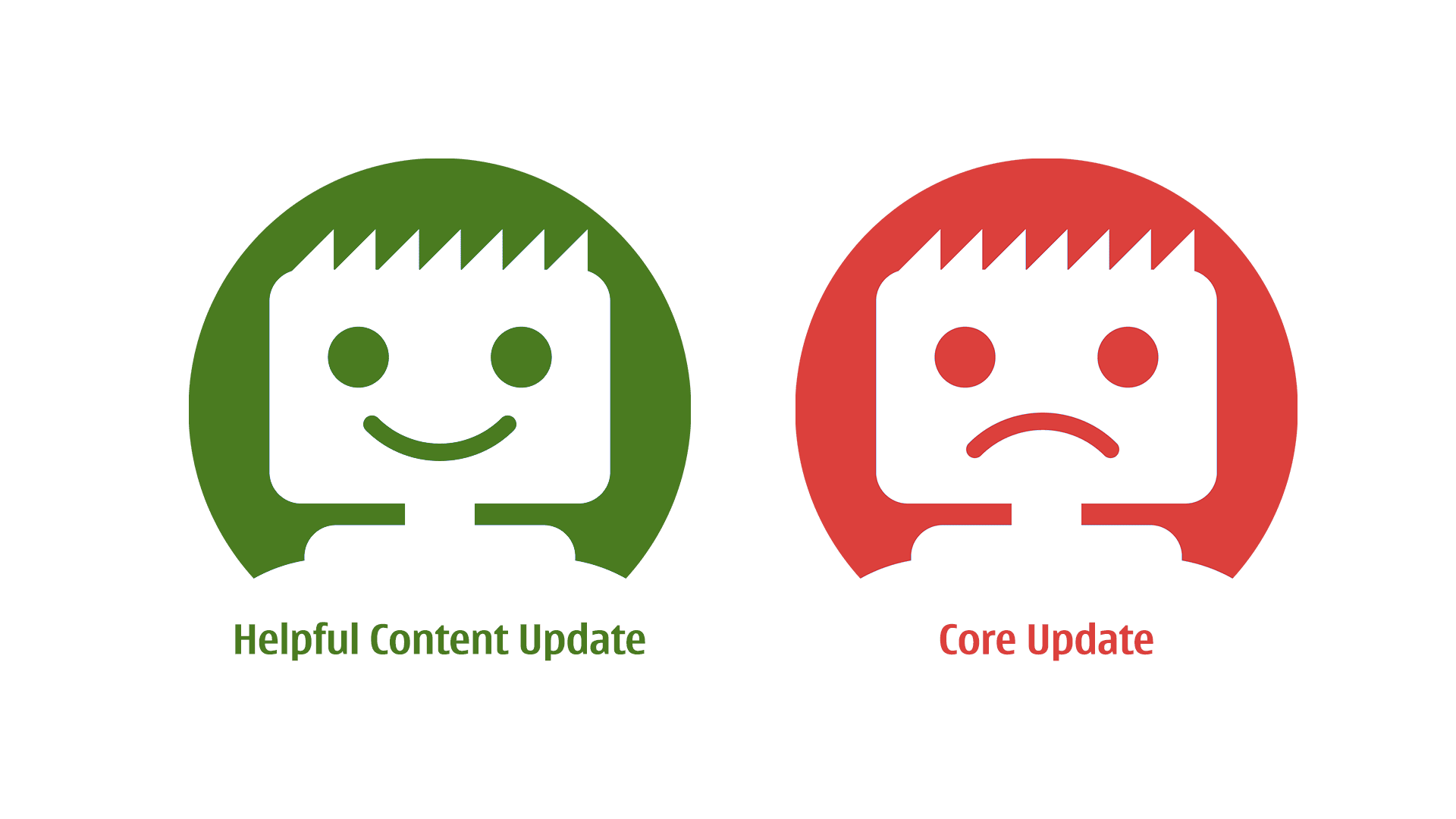
By the end of August 2022, Google comes with a Helpful Content Update (HCU). This highly appreciated (by content creators) update suppose to penalise low-content websites and those generated by AI. I have been happy about it and knew, that none of my websites will be affected, and I was right!

Privacy in recent years is something that everybody is talking about. Some companies undersell their own devices just to gain the information that they will harvest. The others say it aloud that they put privacy on the pedestal, and that includes their devices. This is Apple.
Even if you decided to move away from devices and companies that violate your rights and decided to buy an iPhone, remember, that in the whole of this the weakest link, the hole in a privacy matter is you!
Privacy is the key and it’s not only in our private life but also in business. If you using Gmail (Google Workplace) for your business, something called read receipt is an odd thing.
Many businesses however are using solutions from Microsoft called Microsoft 365 Business (in various plans).
Microsoft, in their subscription service, provides a lot of useful functionalities, but there are some functions, that are heading back to times when Microsoft Outlook started gaining popularity (Microsoft Office 97).
Through these functionalities there was one, requesting a receipt sent back to the sender when the recipient read an email.

It was all about immigration. It was all about controlling our borders.
bollocks, bollocks, bollocks…
How is it going brexiteers when you need cheap labour for simple jobs and you will not get away with a £10 per hour rate?

Difficulty: Low
Preparation Time: 30 minutes + 45 minutes for dough rising
Baking time: 15 minutes, 180C with fan per insert
On websites that I tend to create, I always try to utilise Structured Data (Schema) as much as possible. This invisible for ordinary visitor data is served in the background and is used by search engines and other websites for better positioning of your content.
On YummyRecipes.uk I have already widely implemented Schema for Recipes but would like to do some more.
If you read my other post, you will find out that I recently rediscovered Progressive Web Apps (PWA).
Following this lead, I decided to implement it on the websites, where our main audience browses it from mobile phones. Later I decided to implement it gradually on all of my websites, independently of whether the main audience is on mobile or desktop. As you will see, PWA is quite useful for desktop users as well.
If you are not a first time on my website you already know, that I like simplifying things and using a minimal approach with a complex solution. Overall, if something complex can be done that same, but simple, why not try?
This time I want to cover Favicon during website design.
“A favicon is a browser icon that represents a brand or website. Most often seen next to a web page’s title in browser tabs, favicons can also be found in address bars, bookmark lists, search results pages, toolbars, browser history, and other places across the web.”
I don’t want to reinvent the wheel, as there is already a perfect solution for that, well written and documented by Andrey Sitnik from Evil Martian.
My site use cookies 🍪. Read more about it on: Cookies Policy.