

I started writing the following post back in February 2016, when the Internet started screaming about another Google project being killed. This time it was a program that millions use, but Google didn’t find a direct source of income from it, so it’s doing what it always does… killing it.
I have been in the UK since 2010 and so far, I have gone through several mobile networks in search of the one that will suit me best when it comes to calling in the UK, the Internet in a mobile phone, but also calls to the world - and not only to Poland.
Like many Poles, I started with O2, for a short time with Vodaphone, Three UK (3), then moved to GiffGaff (which is based on O2 infrastructure as a virtual operator). As I have never been a fan of subscriptions in the UK, GiffGaff offered me full freedom and more…
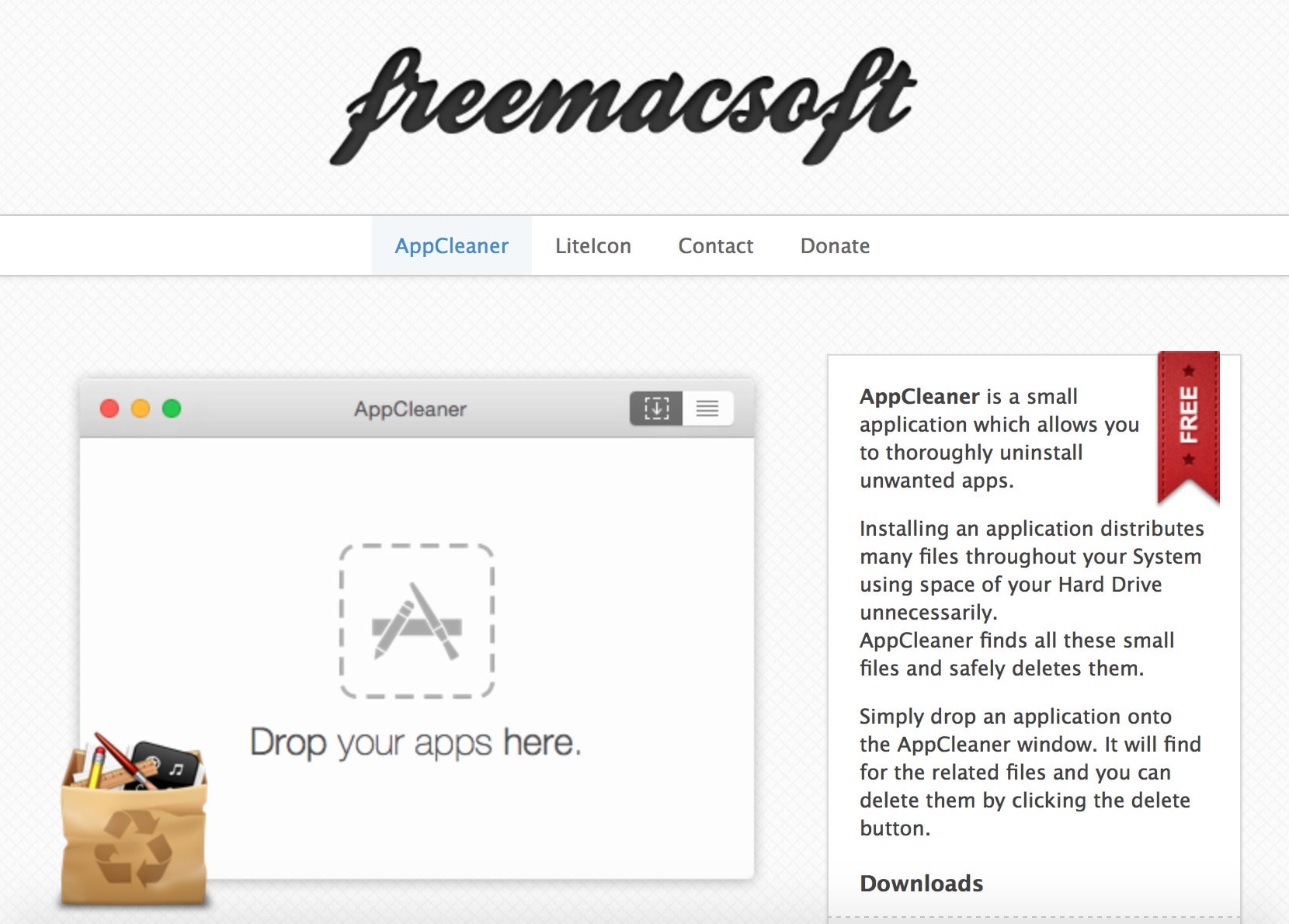
One of the pain points - or, if you prefer, the simplification of the systems with a bitten apple is the simplicity of installing and removing applications.
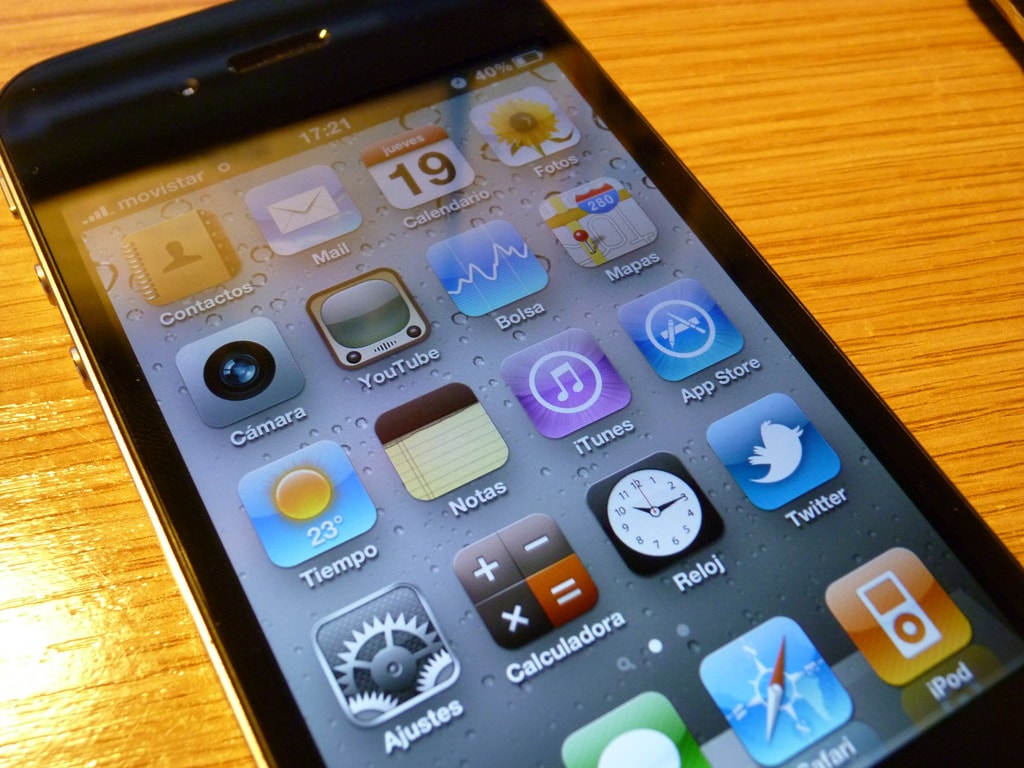
Some time ago I prepared a simple iPhone Ringtone Converter for Windows. This time it was a time for a modification na preparation version for macOS.
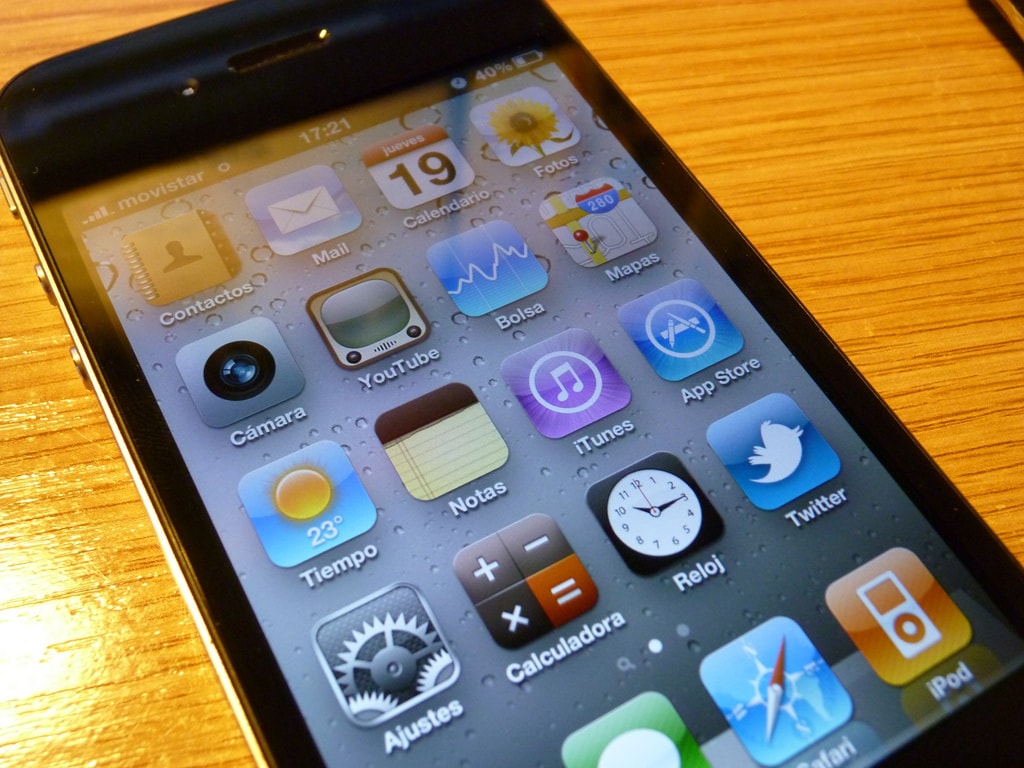
Recently I have been looking for a simple and easy method to convert ringtone or a song from MP3 to M4R, a ringtone format used widely in iPhones.
The conversion from MP3 to M4A and later change of file extension to M4R is not something difficult for myself, however less experienced users this can be challenging.
Because of that, using various methods I decided to prepare something, that till be working on just dropping MP3 file and double-click on specified file to ret in short moment ready ringtone for use on our phone.
I have prepared couple batch files and used for this purpose FFmpeg converter. This is the final product from my work.

During my adventures with computers, I have gone through various versions of Microsoft’s Office suite. I wrote my master’s thesis in Office 2003.
With Office 2007, Microsoft introduced the so-called ribbon menu, which not everyone liked. This menu is still in use in Microsoft Office up to 2024 and the 365 suite.
My site use cookies 🍪. Read more about it on: Cookies Policy.