


Even though I’m not a fan of excessive photo editing, sometimes even the best-taken photo just cries out for a little TLC (as the English say, “touch love care”).
There are a ton of apps on the AppStore (and Google Play) that will help you achieve your goals. Some have just a few useful options, while others have limitations that force you to reach into your wallet to get what you want.
I’ve recently been going through a ton of apps to find the one that has everything I need to achieve the desired effect.

Cloudflare is known for being the next Google and providing us with high-quality services, many of which can be used for free without any compromises. Fortunately, unlike Google, it is not so eager to kill its services.
From domain management, to SSL certificate for your website, secure and fast DNS, to turbocharging your internet connection with WARP (or WARP+ for those who want more).

The UK’s service providers are very much behind the times when it comes to the latest technological developments. Given the somewhat phlegmatic attitude of the British people towards new technologies, it’s no wonder that ISPs are still stuck in the Stone Age (IPv4), even though the stones (the pool of IPv4 addresses) are gone. While I am lucky to have an external IPv4 address, I can forget about a version 6 address (thumbs down for Virgin Media).
Luckily, there is a solution, and it’s free!

So you want to add a torrent client to your OpenWrt router, so that you can download, for example, a Raspbian image using this method, save it to a previously connected and configured USB drive and access it from the local network?

Continuing my post Adding a USB drive to a router with OpenWrt using the USB port (using the Linksys WRT3200ACM as an example), we move on to sharing our drive on the local network.

Today’s solution is a bit unusual - my network drive (NAS) recently stopped working, and to sort it out I need to do some digging in it. In the meantime, I would like to use the USB 3.0 port built into my WRT3200ACM router with OpenWrt software to share a USB drive on the network.
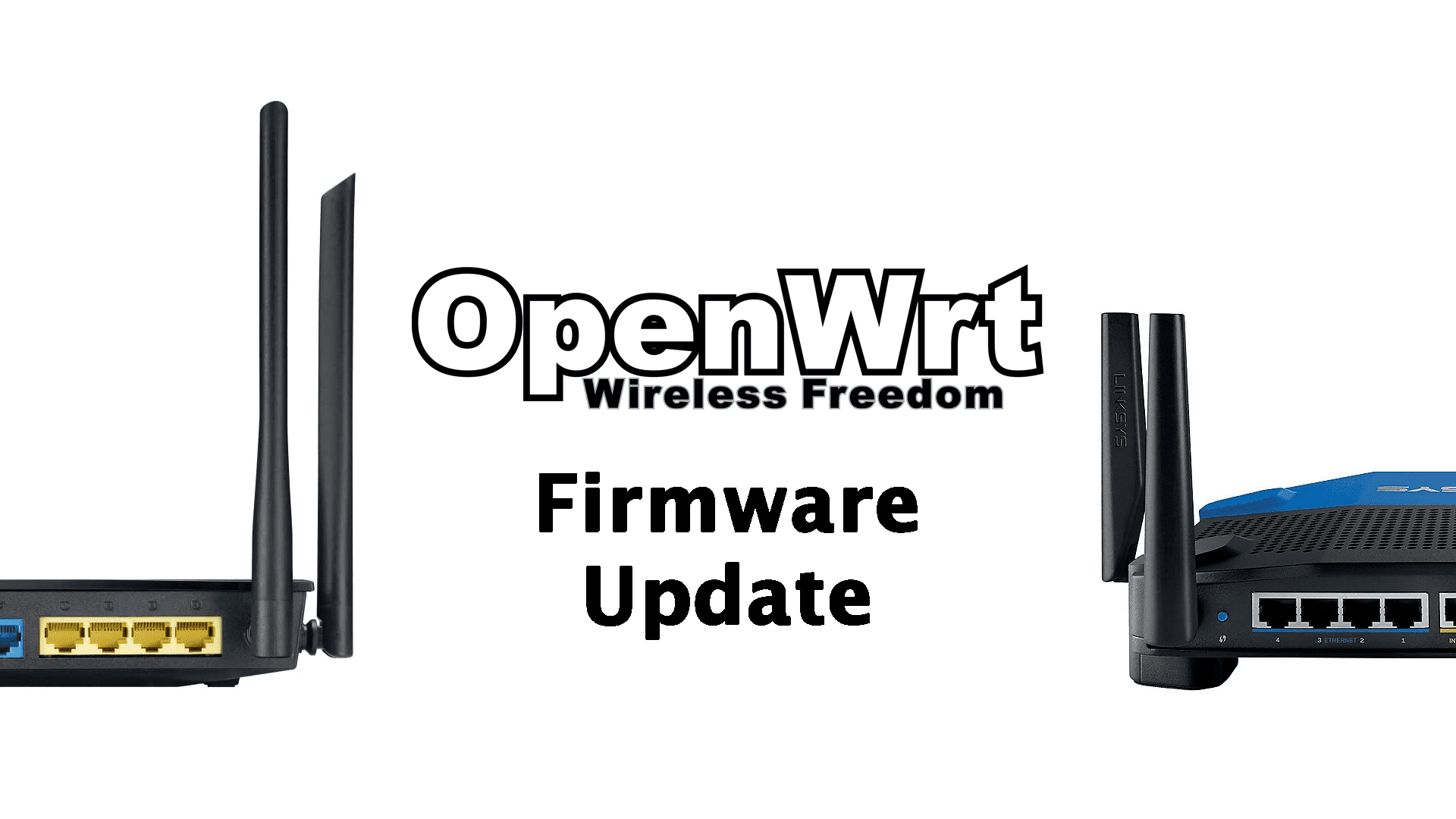
Whether you have reinstalled OpenWrt or updated it, even though you have backed up your settings, any additionally installed packages have not (will not) been preserved, so restoring the settings will not make everything as it was. For now, this is normal behavior with OpenWrt. Therefore, you need to think about how to approach this so that the update and restore of settings will proceed as expected, i.e. together with the packages.

Today I am going to discuss a topic that causes problems for people who have an Internet connection without a permanent external IP address if we want to run a VPN server on our connection, as I described in the post Installing a VPN server on a router with OpenWrt (WireGuard).

Depending on where we use our router, we may be in a situation where we need to have a backup plan in case our primary internet connection goes down.

So you’ve decided to change the firmware on your router from the one provided by your hardware manufacturer to the more open and secure OpenWrt firmware. Congratulations!
My site use cookies 🍪. Read more about it on: Cookies Policy.