

Hugo, Netlify, and the llms.txt Dilemma
The llms.txt and discussion around it recently is quite controversial.
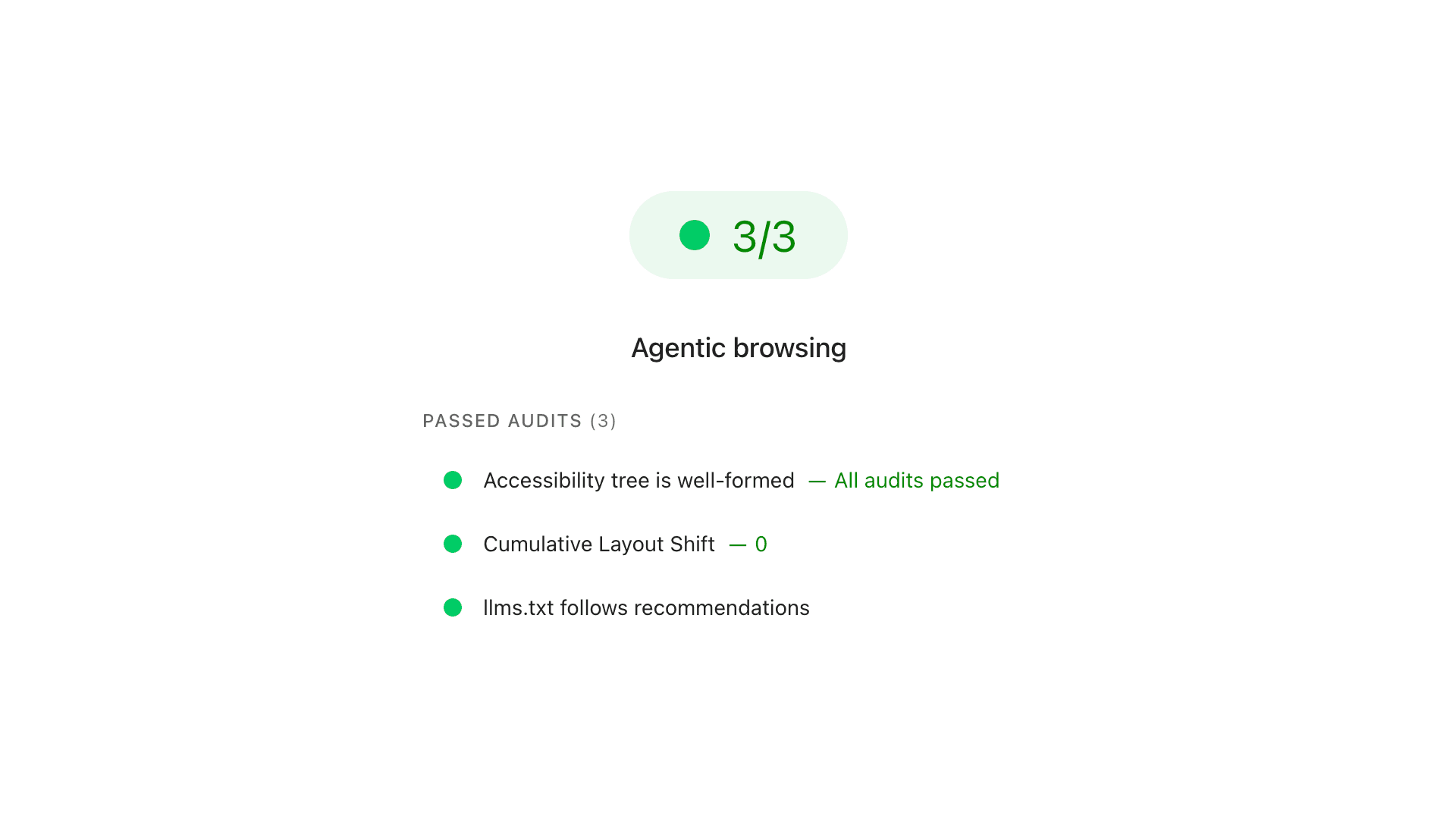
On one hand, Google’s Search Relations team (led by John Mueller and Gary Illyes) has explicitly stated that llms.txt files will not help your SEO or search rankings. On the other hand, Google’s developer tools team recently introduced an experimental “Agentic Browsing” category into Lighthouse and PageSpeed Insights that actively audits for an llms.txt file.
This seems contradictory, but it makes perfect sense once you separate Search Discovery from On-Page Navigation.
The Search Team’s View - John Mueller
John Mueller’s critique focuses strictly on SEO, discovery, and trust.
Google Search ignores llms.txt because it is a self-reported file. If a brand writes “We are the absolute best law firm in London” in their llms.txt, an AI cannot use that to rank them above a competitor. Mueller compared it to the old meta keywords tag from the 2000s – it is too easy for webmasters to game or fill with spam, so Google Search and AI Overviews rely on standard HTML and external authority signals instead.
The PageSpeed - Agentic Browsing
The new Agentic Browsing audits in PageSpeed Insights are not looking at your site from an SEO perspective. They are testing how easy it is for an AI agent to interact with and use your site after it has already arrived.
If an AI agent lands on your site to complete a task, it needs clear directions.
llms.txt acts like a map or store directory at the entrance. It tells the agent what key pages exist so the bot doesn’t waste time and context window tokens blindly crawling your entire HTML structure.
Whereas the llms.txt is one story is one thing, the thing that I found interesting was the analysis in regards to accessibility.
The PageSpeed Insights are a great place to assess your website. If you find some issues, you can work on them to make your website better. The problem is, especially when your stats are poor and you fail the Core Web Vitals assessment, that it does not refresh overnight. You may fix all the things today, but to see how changes done today will reflect on the score, you will need to wait 28 days or more.
Accessibility Tree & CLS: Ensure the page layout is stable and correctly labelled so an AI agent reading the code (or taking screenshots) doesn’t miss buttons or click empty space if the page shifts.
The llms.txt is nothing new right now, and many people who are building their site with SSG like Hugo already figured out how to implement this automatically in their site.
I have decided to do this as well, but want to make it across my website more universal. Some of “my” websites are in English only, others in Polish only, but I got, however, some that have two or three languages, and the template that I want to use needs to work on them.
For AI, the language does not matter as much as for us, humans. Whereas Polish was named one of the best languages for AI, due to its directiveness and descriptiveness (this is why it is so hard for foreigners to learn, compared to English, that they lose a lot in translation), I opted to keep my llms.txt in English for all sites.
The agentic browsing checks mainly if its llms.txt follows recommendations from llmstxt.org.
According to the official spec, the file needs a specific layout split into sections: a primary title (
#), a brief description, an optional list of key details, and then sections for main sections (##) and external resources.
Before I start with the template, I need to make Hugo generate it automatically, as I do not have time to maintain it all the time.
Hugo - Configuration
In my Hugo configuration file hugo.toml, I need to find my [outputs] section and add an option to generate relevant files.
The llms.txt layout shall be lean and not bloat the AI with information. You shall not generate all that is on your website into a single file.
Following Getting our Hugo+Netlify site agent compatible by Steph Locke, I opted into the approach of having two files:
llms.txt– structured indexllms-full.txt– full content version for deeper indexing
My element in config will look as follows:
[outputs]
  page = [ "html"]
  home = [ "html", "rss", "llms", "llmsfull"]
This needs to follow us with a definition, and what these two options do.
[outputFormats.llms]
  baseName = "llms"
  isPlainText = true
  mediaType = "text/plain"

[outputFormats.llmsfull]
  baseName = "llms-full"
  isPlainText = true
  mediaType = "text/plain"
Hugo - The Netlify Header Fix
If you just output llms.txt via Hugo, Netlify will serve it with a standard text/plain content type (as instructed). However, because it contains Markdown syntax, browsers and advanced AI agents can get confused about how to parse it.
To fix this, you want Netlify to explicitly serve it as Markdown even when serving it as a .txt file. You can enforce this directly in your netlify.toml file so Netlify appends the correct header when the file is requested:
[[headers]]
  for = "/llms.txt"
  [headers.values]
    Content-Type = "text/markdown; charset=utf-8"

[[headers]]
  for = "/llms-full.txt"
  [headers.values]
    Content-Type = "text/markdown; charset=utf-8"
Or, through my preferred method in the _headers file located in my static folder.
/llms.txt
  Content-Type: text/markdown; charset=utf-8

/llms-full.txt
  Content-Type: text/markdown; charset=utf-8
Hugo - Template
Having all the above, I am ready for my layout.
When assessing a website for presence
llms.txt, the agentic browsing does not currently care for it in subfolders and will look for the file in the domain root directory. However, if my site is in the root/and other languages in a subfolder/en/, I want to follow this pattern, like it is with sitemaps, and, especially on multilingual sites, to inform about other versions available along withllms-full.txt.
Starting with layout/home.llms.txt, that will generate llms.txt
# {{ .Site.Title }} [Language: {{ .Language.Name | upper }}]

> {{ .Site.Params.description | default "Website content index for AI agents." }}

{{ if .IsTranslated -}}
## Alternative Languages
{{ range .AllTranslations -}}
- [{{ .Language.Label }}]({{ .Permalink }}llms.txt)
{{ end }}
{{- end }}

## Key Information
- Current Language: {{ .Language.Lang }}
- Full Content Archive: {{ with .OutputFormats.Get "llmsfull" }}{{ .Permalink }}{{ else }}{{ "llms-full.txt" | absURL }}{{ end }}

## Main Sections
{{ range .Site.Sections -}}
- [{{ .Title }}]({{ .Permalink }}): {{ .Description | default (printf "Browse the %s section." .Title) }}
{{ end }}

## Recent Content
{{ range first 15 .Site.RegularPages -}}
- [{{ .Title }}]({{ .Permalink }}): {{ .Summary | plainify | htmlUnescape | chomp }}
{{ end }}
And following up with home.llmsfull.txt, that will generate llms-full.txt
# Full Content Archive for {{ .Site.Title }} [{{ .Language.Name | upper }}]

This document contains the complete text content of the website for comprehensive AI context and analysis.

{{ range .Site.RegularPages }}
---
## {{ .Title }}
- **URL:** {{ .Permalink }}
- **Date:** {{ .Date.Format "2006-01-02" }}
{{ with .Params.tags -}}- **Tags:** {{ delimit . ", " }}{{ end }}

### Content
{{ .RawContent }}

{{ end }}
This approach creates universal and context-aware output. It dynamically detects the current language, changes its labels automatically, and lists only the pages belonging to that specific language.
For my (this) site, when Hugo builds /llms.txt, .Language.Lang is "pl". The headers switch to Polish, and .Site.RegularPages loops through only your Polish articles.
When Hugo switches to build /en/llms.txt, .Language.Lang becomes "en". The headings instantly flip to English, and it loops through only your English articles.
If you have a third or fourth language table in your hugo.toml in your design, this layout template requires zero code adjustments and works flawlessly!
It is in such a way, with simple implementation, that if you want this or not, all is done in “set and forget” mode, and PageSpeed Insights under Agentic browsing will report your llms.txt without any issues.
Here are my files, generated after deployment, if you want to analyse how they look and what they contain:




Comments & Reactions