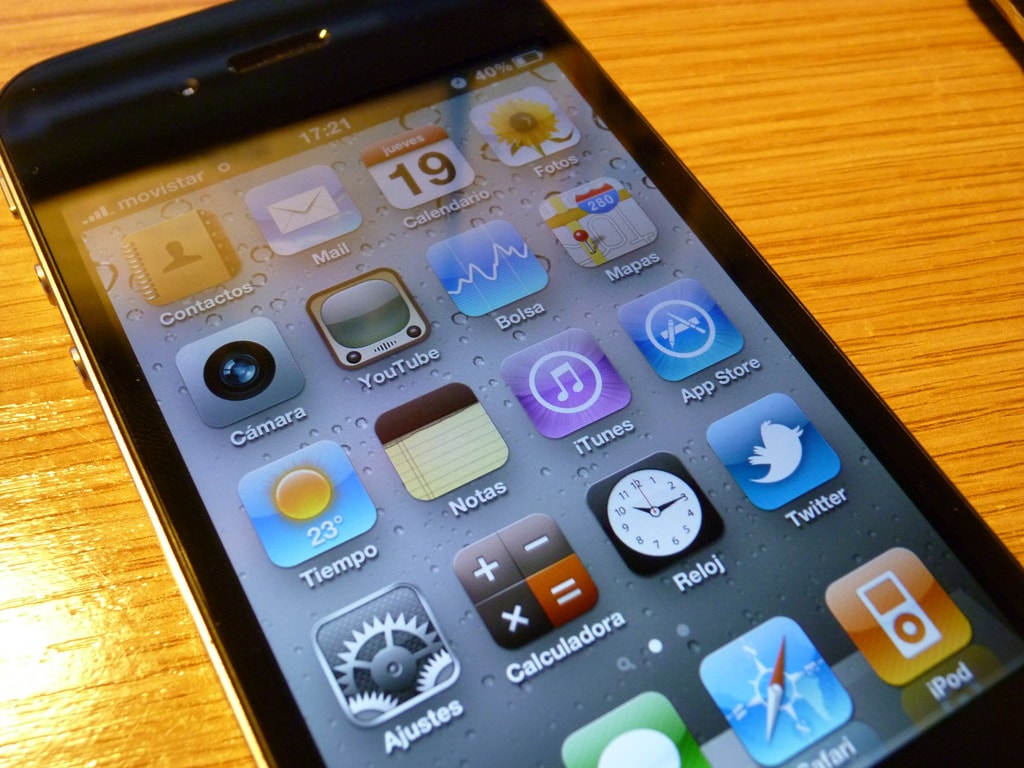
As a person who likes technical innovations, I like to play with the latest equipment. When it comes to Apple equipment, if changing the device to a newer one right after its release is not part of our work, a typical upgrade is usually expensive and not always profitable.
Having owned an iPhone 6 a few years ago, I was in no rush to upgrade until the iPhone X came out, which I had for two years. When the iPhone 11 Pro was released, I moved towards purchasing the iPhone XS (yes, one generation back). As the item (an exception to the rule) turned out to be inconsistent with the description, I had to return it, and in order not to be left without a phone, I decided to buy the iPhone 11 Pro 256GB.
As Apple offers 0% installments, the total amount was £49.99 per month with the first payment of £20 and the last payment of £29.23. It’s not some kind of deal, but I don’t overpay at all, as is the case with operators in the UK (especially for individual customers).
I have been looking at Apple’s iPhone Upgrade Programme1 for a long time. For a fixed monthly fee, you get a new phone, which you can replace with a newer one after a year (without having to pay the remaining “installments”). Apple Care is included in the total, which additionally encourages you to think: is it worth it?