Przejdź do głównej treści
Wpisy z tagiem

Google Analytics

When I developed my Minimal Google Analytics 4 snippet, I thought about preventing it from being blocked by various AdBlockers.

Along with AdBlock Plus, I am also using the DuckDuckGo Privacy Protection extension in Safari. I am using the DuckDuckGo browser on its own as well.

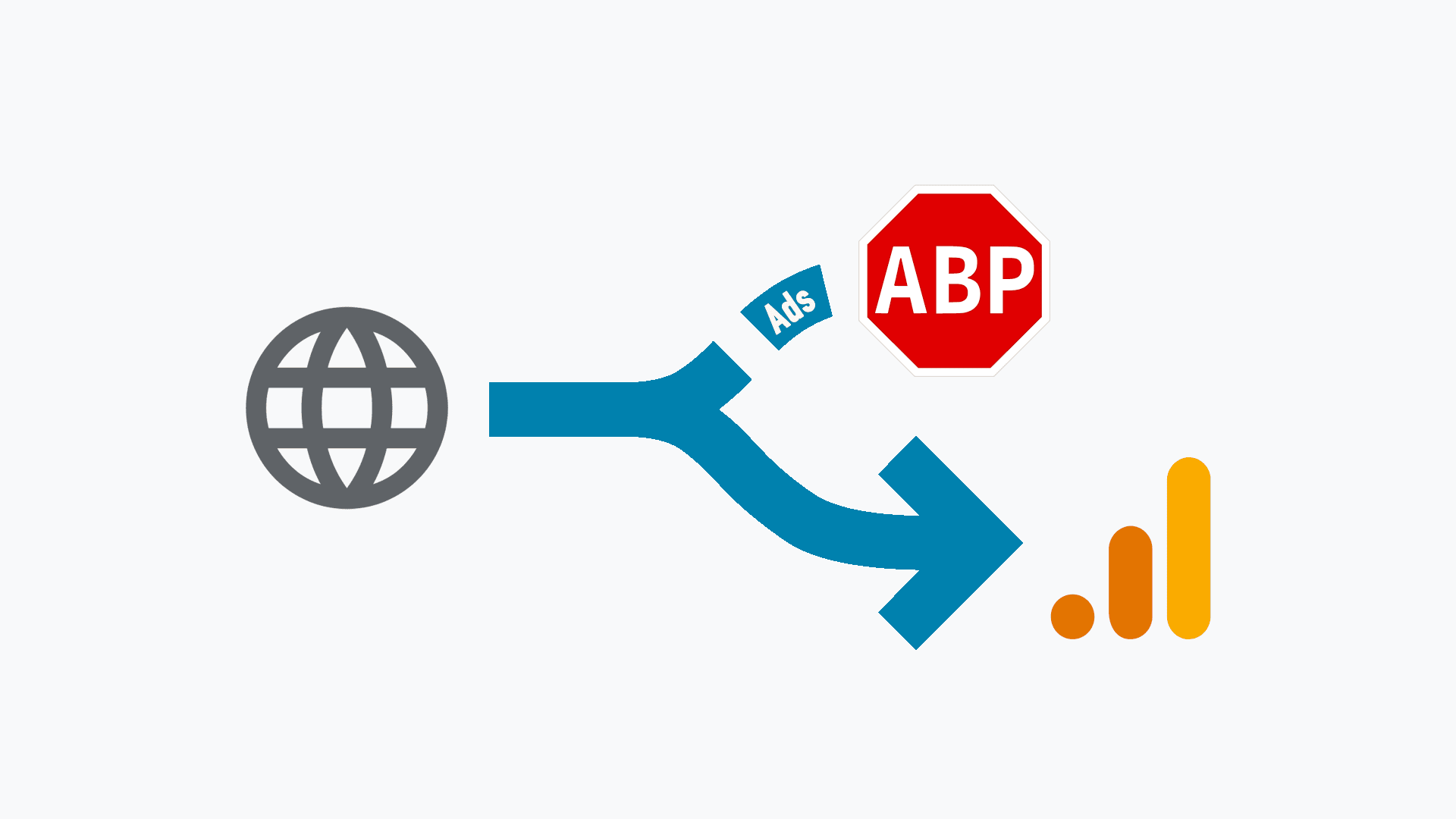
DuckDuckGo, along with restrictive ad blockers, tends to block requests heading to the google-analytics.com domain. This is done on purpose, and I fully understand that.

This is why I described mitigation techniques (Minimal Analytics 4 - masking (hiding) requests).

This technique allows you to utilize Redirect 200 to mask requests to external domains under your domain.

By implementing a redirect as follows:

/g/collect https://www.google-analytics.com/g/collect 200

Instead of calling the address below in a script

https://www.google-analytics.com/g/collect

I am calling this

https://www.example.com/g/collect

Behind the scenes, thanks to Redirect 200, I am sending requests to Google Analytics that are not blocked by either AdBlock Plus or DuckDuckGo.

This solution, however, has 2 major flaws.
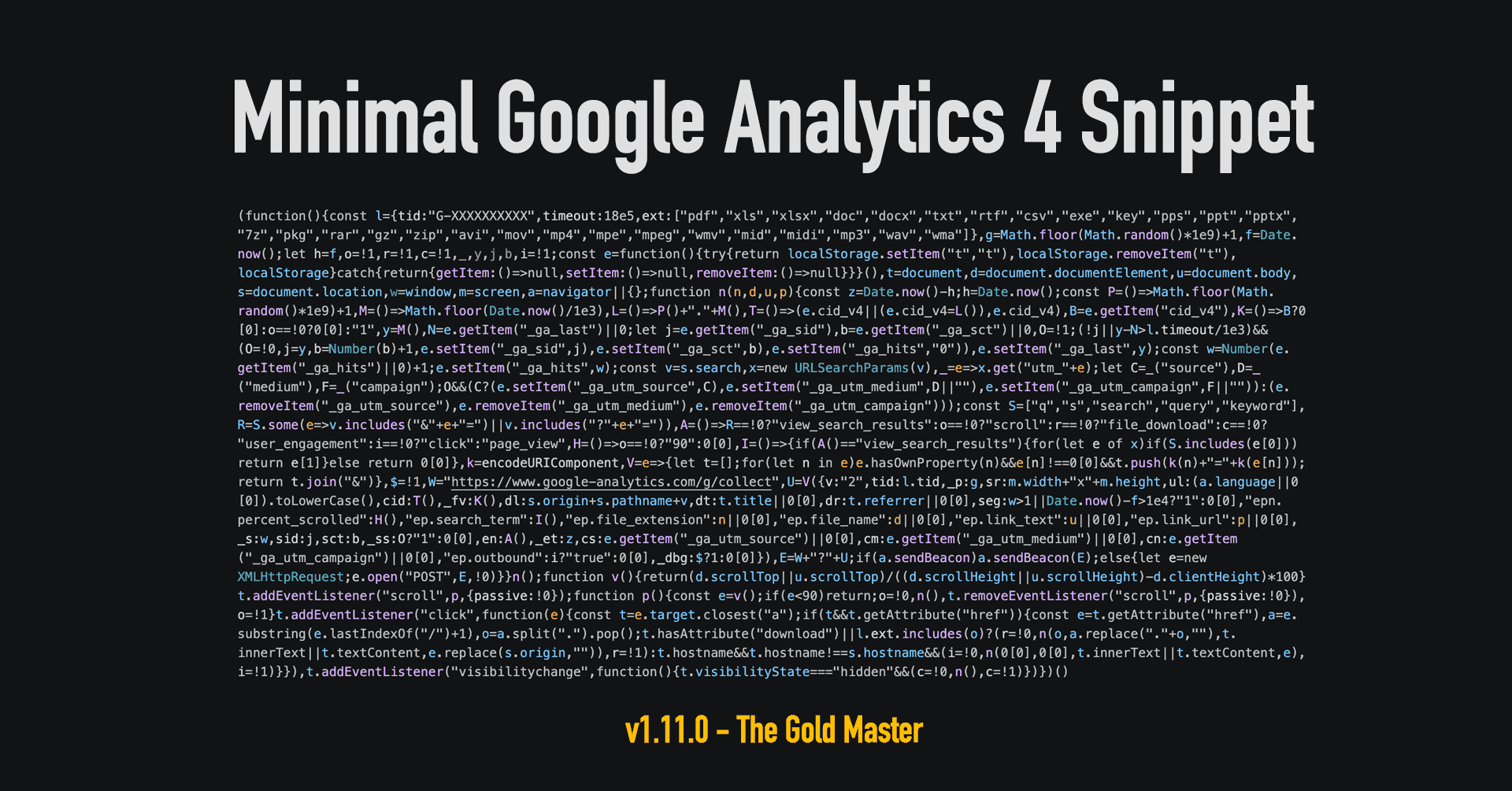
When Google announced that they would force us to move away from Universal Analytics to Google Analytics 4, I wasn’t happy. The official tracking code is notoriously bloated — weighing in at around 171kB in some instances—and is frequently blocked by various ad-blockers. Given the lack of lightweight alternatives, I wasn’t looking forward to compromising my site’s performance.

I started searching for a solution, but finding nothing that met my needs, I decided to take a “hit-and-miss” approach and build my own. What began as a simple snippet has now evolved into a highly refined, professional-grade tool. With the release of version 1.11 (the “Gold Master”), the script is more robust than ever, while remaining incredibly lean.

The Evolution of the Script

While the primary purpose remains tracking essential metrics like page views (page_view), session starts (session_start), and returning users (first_visit), each iteration has added powerful capabilities:

  • Version 1.06 - 1.07: Introduced site search detection (view_search_results) and search query capturing (search_term).
  • Version 1.09: Added scroll tracking (scroll), firing an event when a visitor reaches 90% of the page depth.
  • Version 1.10: Implemented file download tracking for specified extensions and any links containing the download attribute.
  • Version 1.11 (The “Gold Master”): This latest update represents a total architectural overhaul. It introduces UTM persistence to fix attribution gaps, accurate Average Engagement Time via the Visibility API, and Outbound Link Tracking.

By moving to a dedicated GitHub repository, I’ve also implemented a modern Event Delegation model and Storage Safety Checks to ensure the script runs flawlessly even in strict private browsing modes.

On the 16th of March 2022 Google announced its plans for a shutdown of Universal Analytics property and replace it fully with Goole Analytics 4 (v4) that been in the market since late 2020.

Google like to kill off their services. Luckily, this is not about shutting down Google Analytics but only the method, how analytics data are collected from websites. If you have been using Google Analytics for some time, then it’s more likely that you have been using Universal Analytics. You will know that by looking at your tracking code that will carry UA- on front of the numbers.

Analytics in its 4th version (UA is 3rd) has been developed for some time, but it wasn’t adopted as quick as Google could expect (or want), this is why they forcing a change by shutting down one in favour of another.

Over some time I have been looking for ideal Cookie Consent Banner implementation on my websites. The main goal was to make sure it’s not causing CLS (Cumulative Layout Shift) resulting in poor Core Web Vitals (and downgrading website in Google Search).

I found the solution that worked for me for some time.

Together with other optimisation works I managed to achieve my goal, however, from time to time I saw a spike in PageSpeed Insight for some pages and I couldn’t figure out what else I could do to make sure that Cookie Banner (Bar) is not causing CLS.

You may say what you want about Google Analytics, especially about how “they” are, apart from displaying data for you, using data gathered for “their” business purpose (forget about privacy). If you are a website owner and you are looking for a reasonable tracking method for your visitors, this is the solution that you will pick in the first place.

The problem with Google Analytics is that their tracking script weights a lot and that is slowing down your website.

When I moved into a static website made using Hugo I optimised almost everything, including the Google Analytics script. Instead of bulky code loaded from Google, I used Minimal Analytics.

Initially, I put it as always, in the head of my website. Later on, I added it to my 404.html page. I created my own 404 page to override the default Netlify landing page that appears when the visited URL was not found.

The idea was initially to find broken links that visitors are using and to fix them with relevant redirection. However, it didn’t take long until my analytics were spammed by stupid people (and their bots) trying to find a way to break in to my site.

Kategorie