Przejdź do głównej treści
Wpisy w kategorii

Internet

As it happened, Attended Sysupgrade with the latest version of OpenWrt 25.12, since it became the default approach to update OpenWrt devices, started seeing a spike in popularity.

When I first tried this, I was either 1st in the queue or just a few users behind. Days later, when the next version (25.12.1) was released, this jumped to around 200-300. Now, with another release (25.12.2), the servers cannot handle it anymore.

Server response: server overload, queue contains too many build requests: 1001

Following a discussion with one of my visitors, it was suggested that I use someone else’s server for Attended Sysupgrade, but there is always a catch to that. The recommended server uses SNAPSHOT builds as default, which I do not recommend for a production or business environment. While you can play with it on a home router, in business, you need to rely on stability.

I have been thinking that maybe I will create my own server for that purpose. I already have a small mini-PC at home (and at work) — a Chromebox repurposed as an Ubuntu Server running Docker. My usage is not massive, and there is plenty of computing power available.
I should have discovered this years ago!

I never came across this feature, and it was apparently available a few versions ago. Just now, when version 25.12.0 was officially released, I learned how to simplify upgrading from one version to another (I did this from 24.10.2 to 25.12.0).

I have developed my own routine for backing up packages and configuration files, installing a new image, and restoring everything. To be honest, I always hate doing that, especially in a business environment, as it always requires some downtime. This is why I sometimes fall behind on some sub-versions of OpenWrt firmware (I was still on 24.10.2 instead of 24.10.5).

When you cannot afford extended downtime, you can minimise it with this approach: Attended Sysupgrade (ASU).

For some time, I have been covering topics concerning OpenWrt on my website. One of the primary interests among my users has been the implementation of WireGuard and adding a Cloudflare WARP tunnel, as well as managing multiple internet connections on a single router.

What I have not yet covered is how to conditionally route traffic once we have established two internet connections, or when we have added a virtual connection (such as a VPN) to the router on a single physical connection.

While firewall rules can be used to route traffic, they are not always straightforward to implement; consequently, I looked for an alternative solution.

I was particularly interested in being able to quickly configure a router to direct traffic from a specific device over a VPN tunnel whenever necessary. To assist with this, I looked into the PBR (Policy-Based Routing) package.

On my current internet connection at home, I do not have direct access to an external IPv4 IP address from my router (only IPv6 is available). Because of this, I am unable to set up my VPN server using WireGuard directly. Therefore, I need to support myself with Cloudflare Zero Trust technology.

Following my guide on how to add a Cloudflare Tunnel to an OpenWrt Router, as a WireGuard VPN alternative, I managed to regain access to my network from outside my home.

There is, however, one issue with this solution.

With very short notice, Microsoft finally made a move to kill Skype altogether and concentrate on something that, by default, is integrated with Windows 11 – Teams.

I personally tried to move a few people out of Skype to Teams years back, but now there are no ifs or buts, as Microsoft is pulling the plug. There is no going back.

As much as I am happy, I quickly started feeling that removing Skype is putting some users back.

If you are not paying anything extra to Microsoft, you will quickly notice that you are missing some crucial features in Teams that have been available in Skype for years.

Update 14/03/2026
Due to changes by Google and a decision to make life more difficult for users, they have decided to shut down the excellent Gmailify service and the ability to fetch emails from other mailboxes using POP. Consequently, the team behind Gomailify has had to rebuild their entire service to meet these new requirements. They are now using the Google API to push emails to our inboxes. While it was a bumpy road at the start, the service now works brilliantly. I still highly recommend it and use it daily.

Update 01/07/2025
Because Gmailify.com was just too spicy for the trademark police, the owner of the service been forced to rename it to Gomailify. Apart of the nothing change, Same trusted service, same mission to supercharge your Gmail, just with a dash more go!

After years of using a free Google Workspace account, and after ups and downs with it, due to Google’s decision to kill it and then keep it alive, I decided to move my emails and other files back to my personal Gmail account.

My main reason for using Google Workspace was the ability to use my domain across Google services, mainly concentrating on the ability to send and receive emails within my domain, but still using the Gmail interface.

After extensive work I had done to move my data from Google Workspace back to my Gmail account, I set up an option for me to receive and send emails within my domain.

Cloudflare’s DNS service, known as 1.1.1.1, has transformed the internet for the better and continues to make a significant impact every day.

From setting DNS on your device to installing the dedicated app for using WARP technology, you can make your connections faster by choosing optimised routes for traffic.

If you are an advanced user, you can secure your entire network at home or in the workplace by implementing Cloudflare technology at your router.

For some users, this may feel too overwhelming.

Windows 11 introduced built-in integration for Secured DNS (Encrypted) that can be implemented at the interface level (your network card, whether wired or wireless). Thanks to this, all the DNS requests going through it will be encrypted.

Thanks to Cloudflare Email Routing, I can accept and send emails in my domain, but still manage them on my ordinary Gmail account. This all is set as I wrote down in my post titled Email in your own domain with Cloudflare (and Gmail)

Over the last week, I faced an issue with emails not being delivered to my mailbox.

Firstly I thought that there was something wrong with Gmail service blocking forwarded messages. The same though had plenty of people using this service and writing their experiences all over the internet.

As a Virgin Media customer for many years, I have always appreciated the fixed price guarantee that I get when I sign a contract. There are no hidden fees or price increases, and I can be confident that my monthly bill will stay the same for the entire contract term. In the month before my contract ends, I will be able to negotiate a new contract or switch to a different provider if I find a better deal.

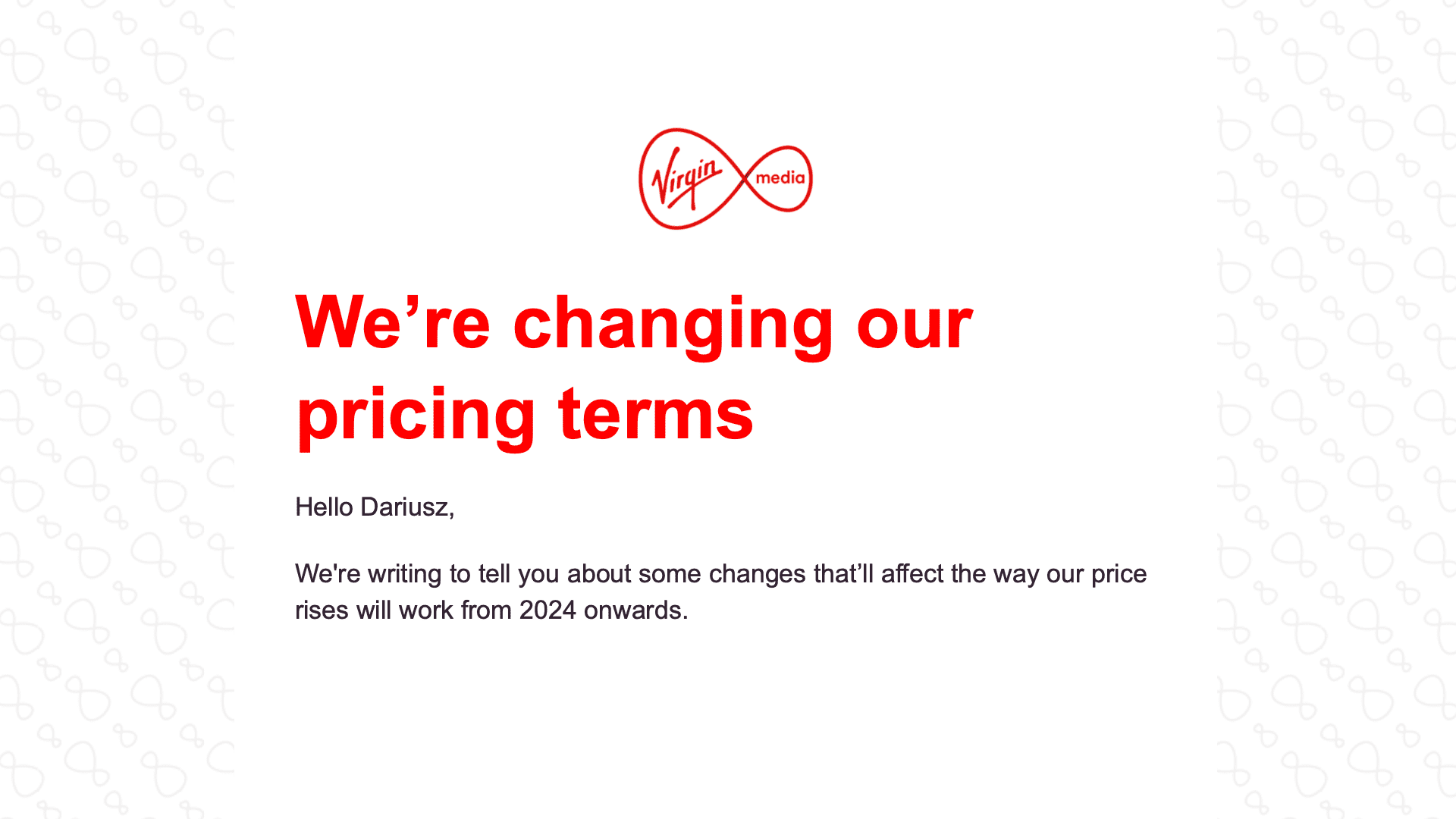
Unfortunately, Virgin Media has decided to join the trend of other companies and raise their prices. They have notified their customers that their pricing terms will be changing.

As explained by them, price increases are being attributed to rising inflation, which is currently at a 40-year high in the UK.

It’s not the first time we’ve been in this situation where when we start using a service, it’s turned into a cash cow or killed like a fly.

Google is famous for killing its services. This time, they’re not exactly killing another one, but selling it to another company is no different.

Kategorie